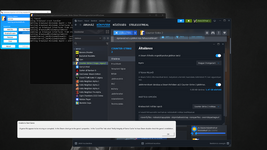
Setup guide: Open Extreme Injector, and insert the DLL.
In Settings put it into Manual Map injection, then make sure Inject Delay is 0.
Then turn on Auto Inject.
Next in Steam, go to library and right click CS2. Select Properties and enter -noverifyfiles -nobootstrapupdate -skipinitialbootstrap -norepairfiles –overridepackageurl into the launch parameters.
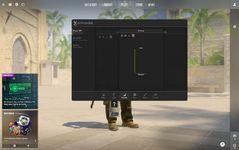
Finally you need to make sure your game is on Fullscreen Windowed.
After this, fully close CS2 and launch Extreme Injector.
Make sure CS2 is selected in the Process Name section.
This site uses cookies to help personalise content, tailor your experience and to keep you logged in if you register.
By continuing to use this site, you are consenting to our use of cookies.